
You have limited inventory / stock of your products? We have 2 different ways to manage this situation:
- Inventory management by product: Everytime a customer will order this product your inventory will be reduced. This will happen even if the product is in multiple catalog shared to different regions.
- Inventory management by catalog: Everytime a customer will order this product from a specific catalog your inventory in this catalog will be reduced. The inventory of the product will not be shared between the different catalogs.
Setup
Follow these steps:
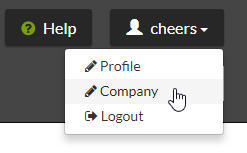
- Access your company configuration:
- In the Inventory section, select your Inventory management type:
- None: no inventory management. You product can be ordered at will.
- by Catalog: refer to the definition hereover.
- General (by Product): refer to the definition hereover.
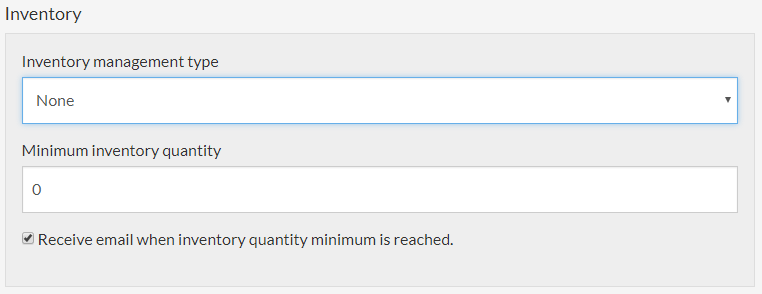
- Input the Minimum inventory quantity.
 Activate or
  deactivate the "Receive email when inventory quantity minimum is reached." option. When the inventory for a product will reach this level, if the option is activated, you will receive an email informing you.
- Submit

Inventory management by Product
- Access your product list:

- Click a product
- Input the inventory quantity:
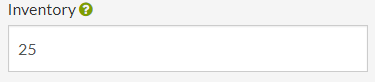
No value is considered like a product with unlimited inventory. - Save

Inventory management by Catalog
- Access your catalog list:

- Click a catalog
- Click on 2- Product & Prices

- Input the inventory quantity on the products:

No value is considered like a product with unlimited inventory. - Press
 or Enter
Comments
0 comments
Please sign in to leave a comment.